
Give 2.5Gb ethernet a chance
PC updates finally let me get around to a network update
08/09/2026

tl;dr, upgraded everything on our home network to 2.5G ethernet. Sure it isn't 10G, but it is a lot cheaper, more energy efficient, and more practical. Early driver quirks are long gone. Give 2.5G a chance if you've been avoiding it. Now the back story...
I had always planned to rebuild my daily driver PC this year. Hardware prices are absolutely dismal right now, but they are seemingly getting only going to get worse in 2027. I was also fairly tired of the heat generated by my dual 3090s and 2020-era CPU, even after upgrading our central air conditioning this summer.
So I bit the bullet and managed to do nearly cost neutral upgrades after selling my old parts. NVidia's Blackwell cards under volt so well that I am literally at half the power usage for significantly better performance. New CPU with its asymmetric cores is benching more than 50% more efficient per watt too. Very happy.
My new motherboard also brought a 2.5 gigabit NIC which was the last holdout to upgrading our home network. While 2.5G (and 10G) AIB NICs do exist, I already use all of my PCI-E lanes for GPUs and NVME storage, and it was never worth giving something else up. So welcome to 2.5 gigabit ethernet!
I had deployed 10 gigabit ethernet in the data center 20 years ago but never could make it work at home. Initially cost was prohibitive, then it got cheaper but 10G over copper is a real pain in the butt. Cable length and quality matters immensely, and in our tall skinny home we have >100ft runs. All those cheapo "certified" cables on Amazon will disappoint when trying to run 10G over them, so make sure to buy high quality cables or crimp your own. Maybe most importantly 10G uses quite a bit of power / generates a good amount of heat. That power/heat can degrade the SFPs on both sides of a long run, and of course it is worse if its a fixed port. Even the cables themselves can get warm at those rates if you're doing >=100ft runs
You can use fiber, and a younger me actually did this for even gigabit speeds in our condo for nothing beyond fun. But unless you have a fiber splicer at home (which at that time I did) you're buying pre-made fiber at length and trying to safely pull it through your walls. It just wasn't super practical for us. It becomes a pretty costly upgrade pretty quickly, especially if all your runs need a switch (or a NIC) with SFP+ ports and optics.
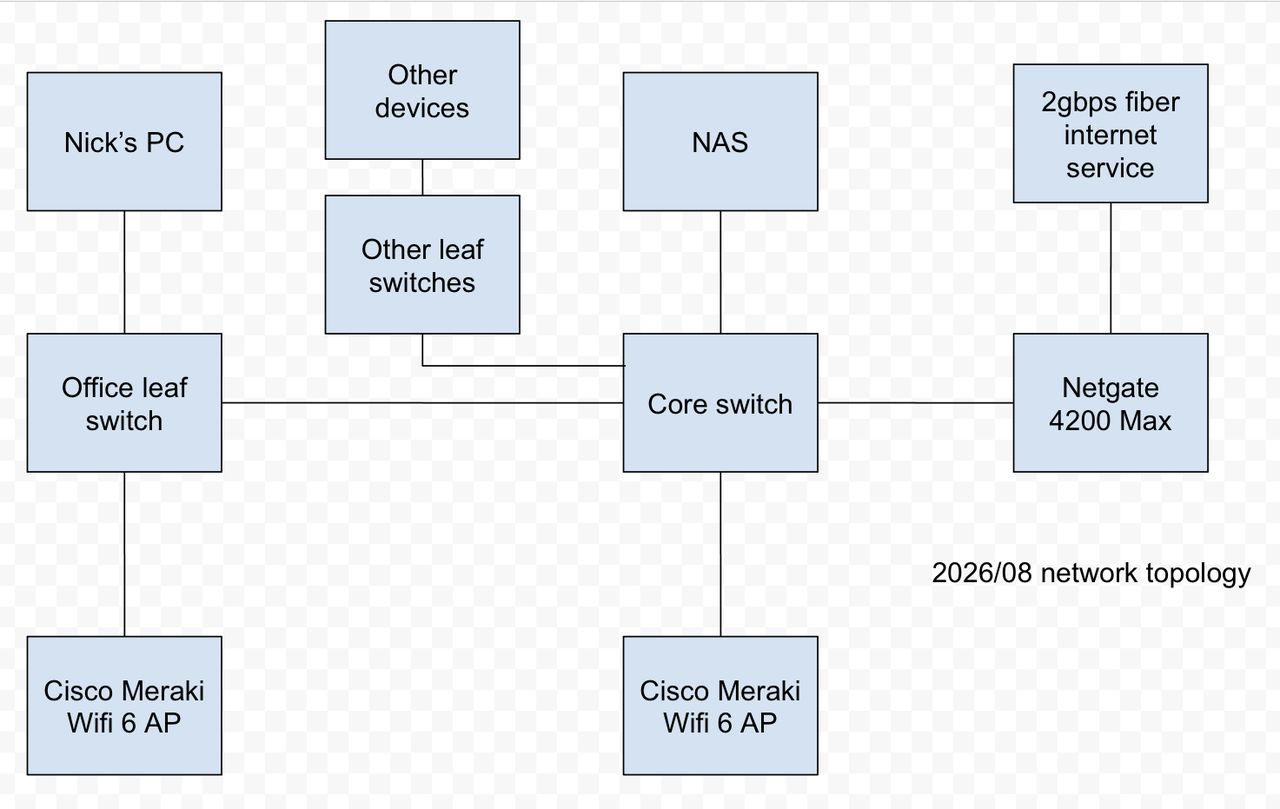
Now between continuing to expand our home NAS with additional SAS drive shelves and the very recent availability of 2 gigabit home internet service it was time to do an upgrade. I started by replacing our aging Juniper SRX. It was good enough for gigabit speeds (as long as it wasn't tiny packets) but certainly couldn't keep up with multi-gig speeds. I had purchased it when we had 500mbps service, by the time we had full gigabit it was definitely at its limit. So I went with a Netgate 4200 Max, which benchmarks at > 8Gb/s for firewall and more for pure routing. Plenty overbuilt for the home service we can get. It also does all this under 15 watts of power usage, much more efficient than the SRX it replaces.
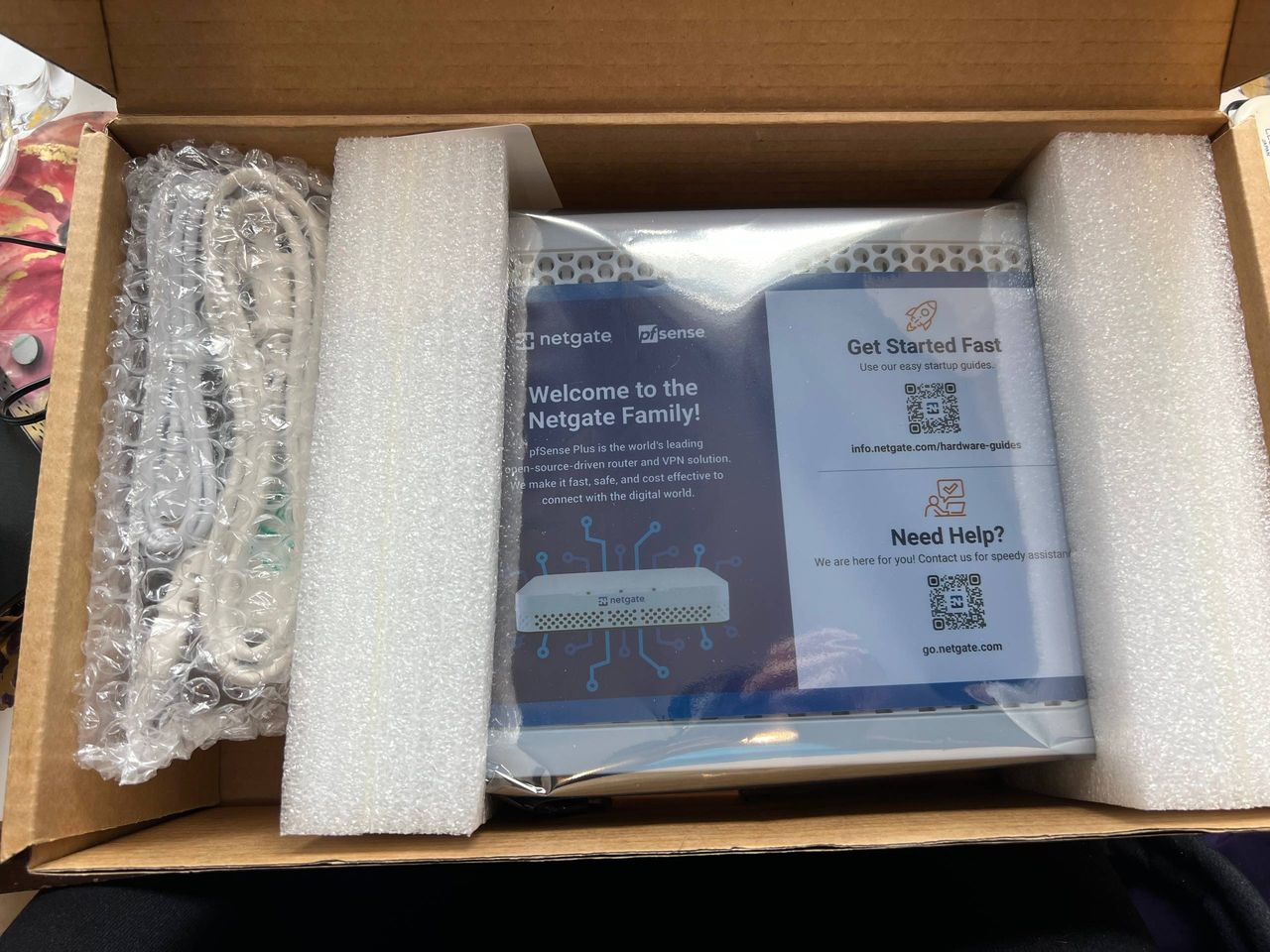
Quite impressed by the device. Essentially turnkey. All the threat feeds I like were pre-configured and a few clicks away, as were all three popular IDS platforms. Performance with a reasonable ruleset has been wire rate, and it stays cool even without a fan.
Thankfully 2.5G dumb switches are now essentially as cheap as 1G switches, and recent chipset improvements have made power usage quite low, essentially 1.5W per port. I replaced our core switch and all the leaf switches around the house. Early 2.5G adopters struggled with driver issues from both Intel and Realtek but those have been essentially ironed out, all of our devices are able to pull/push wire rate to and from our NAS over SFTP. Fun fact, the 10G option on Mac Mini / Mac Studio are actually full multi-gig compliant, so my little 64GB M4 Pro Mini was also good to go. Apple also sells a Belkin 2.5G dongle for Macbooks for $30 in Apple Stores, which also pulls full wire rate without getting particularly warm.
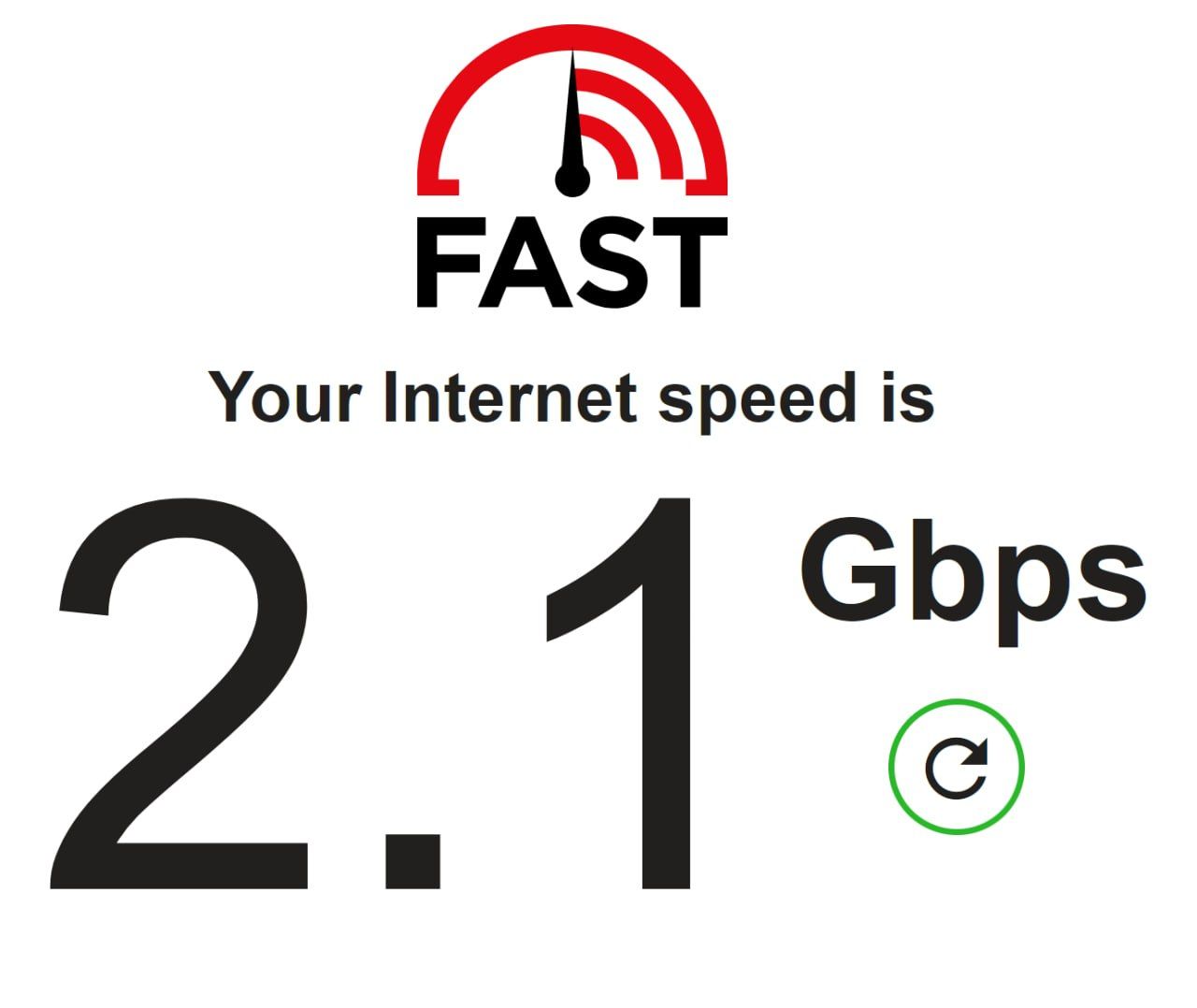
The last step was a phone call to flip on the new 2 gigabit internet service, and happily I was able to reach a consistent 2080-2090 megabits/second reliably from the web to my office two floors away from the internet ingress. A successful upgrade!
Is 2.5G as dramatic as 10G? No, definitely not. But it is essentially the same price as gigabit, reuses the same (questionable) cat5/6 cables you already have, and does provide a notable speedup. Backups are now finishing in less than half the time, and there is something very satisfying about finally have multi-gig home internet service. Feels a long time coming here in Canada, when homes in East Asia have had it for more than a decade, but better late than never.
And between the PC upgrades, firewall upgrade, switch replacements we've also shed a lot of power draw and summer heat generation, which I am already appreciating!